
10 Free Ways to Improve Your Skills Online
Tue, 01 Sep 2026

Follow the stories of academics and their research expeditions
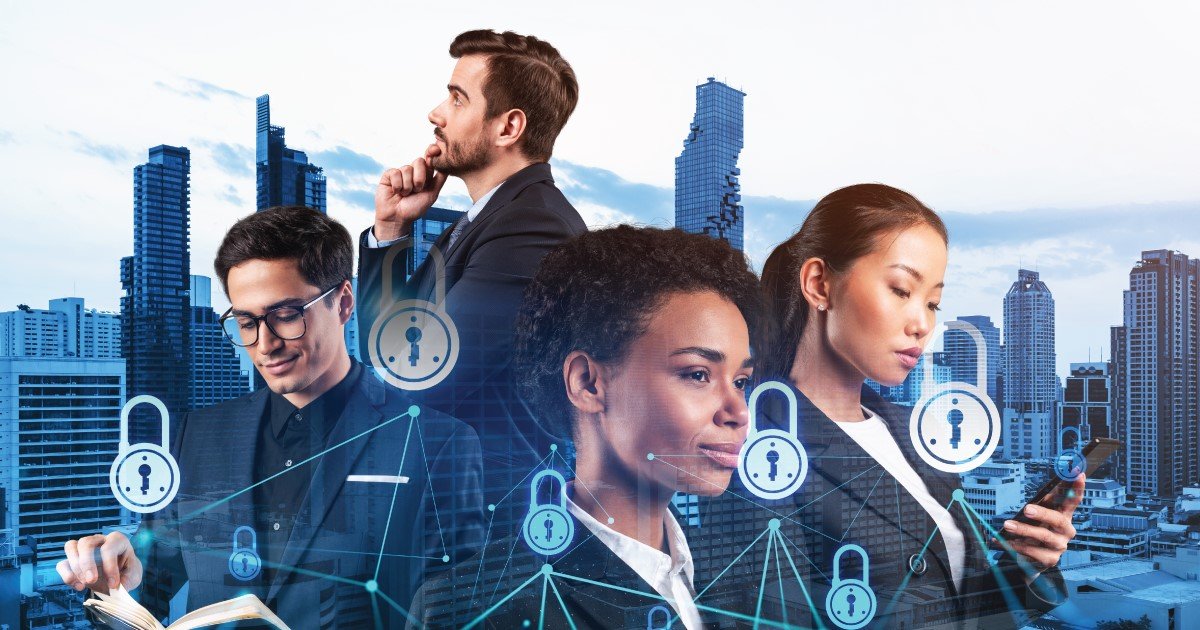
Remote work has become a normal part of modern life. Whether you work from home full-time, split your time between the office and home, or travel while working online, protecting your devices and personal information is more important than ever.
Cybercriminals often target remote workers because home networks and personal devices may not have the same level of security as office systems. A single mistake, such as clicking a fake email link or using a weak password, can lead to stolen data, financial loss, or business disruption.
The good news is that staying safe online doesn't have to be complicated. By following a few simple cybersecurity habits, you can greatly reduce your risk and protect both your personal and professional information.
When employees work in an office, they usually benefit from secure networks, managed devices, and dedicated IT support. At home, many of these protections are reduced or missing.
Remote workers often use:
Each of these creates opportunities for cybercriminals if they are not properly secured.
For example, connecting to an unsecured café Wi-Fi network could allow someone nearby to intercept your internet traffic if you are not using secure connections.
Passwords are your first line of defense. Unfortunately, many people still use simple passwords or reuse the same password across multiple accounts.
If one website suffers a data breach, criminals often try those same passwords on other accounts.
Instead:
For example, instead of using:
John123
Use something much stronger like:
B!ueTree$River92Cloud
Even better, let a password manager create random passwords for you.
Even strong passwords can sometimes be stolen.
Multi-factor authentication (MFA) adds another layer of security by requiring a second form of verification before logging in.
This could include:
If someone steals your password, they still cannot access your account without the second verification step.
Many popular services now support MFA, including email providers, cloud storage services, and workplace collaboration platforms.
Software updates do more than add new features.
Many updates fix security vulnerabilities that hackers actively exploit.
Ignoring updates leaves your computer, phone, or tablet exposed to known security risks.
Make it a habit to:
Updating only takes a few minutes but can prevent major security issues.
Your home internet connection should be treated like part of your workplace.
If your Wi-Fi is not properly secured, others may gain access to your network.
Improve your home network security by:
If visitors regularly use your internet, consider creating a separate guest network instead of sharing your primary network.
Phishing remains one of the most common cyber threats.
These fake emails are designed to trick you into:
A phishing email might pretend to come from:
Before clicking anything, ask yourself:
If you're unsure, contact the sender using a trusted method before responding.
Working from airports, hotels, cafés, or libraries is convenient, but public Wi-Fi carries risks.
Hackers sometimes create fake Wi-Fi networks that appear legitimate.
Others monitor unsecured networks to capture sensitive information.
If you must use public Wi-Fi:
If possible, use your mobile hotspot instead.
One of the simplest cybersecurity habits is also one of the most overlooked.
Always lock your computer or phone when stepping away, even at home.
This protects your information from:
Enable automatic screen locking after a few minutes of inactivity and require a password, PIN, or biometric login to unlock the device.
No security system is perfect.
Devices can fail, ransomware can encrypt files, and accidents happen.
Regular backups ensure you can recover important work if something goes wrong.
A good backup strategy includes:
Test your backups occasionally to make sure they can be restored successfully.
Using the same device for everything increases security risks.
Personal downloads, gaming, or unfamiliar software may introduce malware that affects work files.
Whenever possible:
This makes it easier to manage security and reduces the chance of accidental data exposure.
Cybercriminals often collect information from social media.
Details about your job, employer, travel plans, or daily routine can help attackers create convincing phishing scams.
Think carefully before posting:
A little caution can prevent attackers from gathering useful information about you.
Even careful people can make mistakes.
If you think your account has been compromised:
Reporting issues quickly often limits the damage and helps protect others.
Many security incidents happen because of everyday habits rather than advanced hacking.
Some common mistakes include:
Avoiding these mistakes significantly improves your overall cybersecurity.
Cybersecurity is not just about technology—it is about everyday behavior.
Small actions, repeated consistently, create strong protection over time.
Develop habits such as:
These routines soon become second nature and help protect both you and your organization.
Remote work offers flexibility and convenience, but it also comes with new security responsibilities. Every remote worker plays a role in protecting sensitive information, company systems, and personal data.
Simple practices like using strong passwords, enabling multi-factor authentication, securing your home Wi-Fi, staying alert to phishing emails, and keeping your devices updated can prevent many common cyber threats. Building these habits into your daily routine makes working remotely safer and more productive.
If you're looking to strengthen your digital skills, improve your workplace security knowledge, or advance your professional career, explore the practical online courses available at Global Learn Space (GLS). Continuous learning can help you stay confident, adaptable, and prepared in today's increasingly digital workplace.
Tue, 01 Sep 2026
Tue, 01 Sep 2026

Tue, 01 Sep 2026

Leave a comment